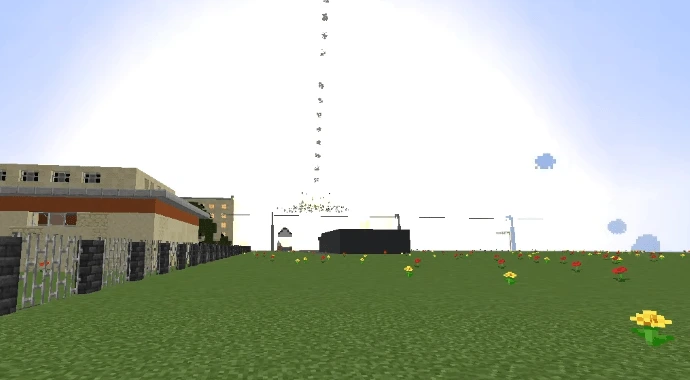
BALLISTIC MISSILE FORGE 1.20.1 // SHADOW_UA
MINECRAFT JAVA 1.20.1 LOADER: FORGE REQUIRES: GECKOLIB 4

BALLISTIC MISSILE MOD

Take control of the skies and redefine warfare in Minecraft.

Replaces standard TNT mechanics with long-range, physics-driven projectile entities, multiblock launch platforms, coordinate-based targeting terminals, and automated anti-air interception systems. Created by Shadow_Ua.

AUTHOR: SHADOW_UA • READ TACTICAL WIKI →
CAM_FEED // TRAILER_BROADCAST STATUS: LIVE FOOTAGE
// ORDNANCE & INFRASTRUCTURE

TACTICAL ARSENAL & SYSTEMS

Physics-driven ballistic weapons and ground control blocks engineered for long-range engagements in Minecraft 1.20.1.

ORDNANCE // 01

Standard Missile

Tactical missile designed for medium-range engagements. Replaces standard TNT mechanics with a physics-driven projectile entity launched from a Launch Pad.

ROLE: MEDIUM-RANGE TACTICAL SPECS →
STRATEGIC // 02

Heavy Missile

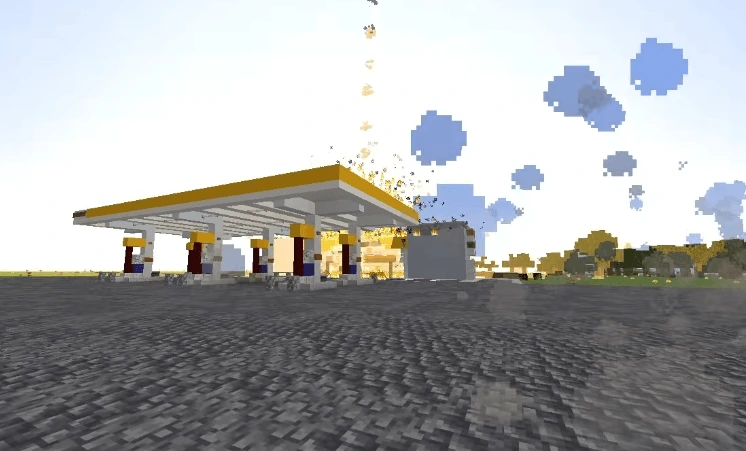
High-yield strategic missile that climbs to high altitude before entering a steep terminal descent. Detonation creates a massive crater, shockwave, shattered glass, and scorched ground.

ROLE: HIGH-YIELD STRATEGIC SPECS →
DEFENSE // 03

Interceptor Missile

Defensive countermeasure projectile fired automatically by Anti-Air systems to intercept and shoot down incoming missile threats in mid-air.

ROLE: AUTOMATED COUNTERMEASURE SPECS →
STRUCTURE // 04

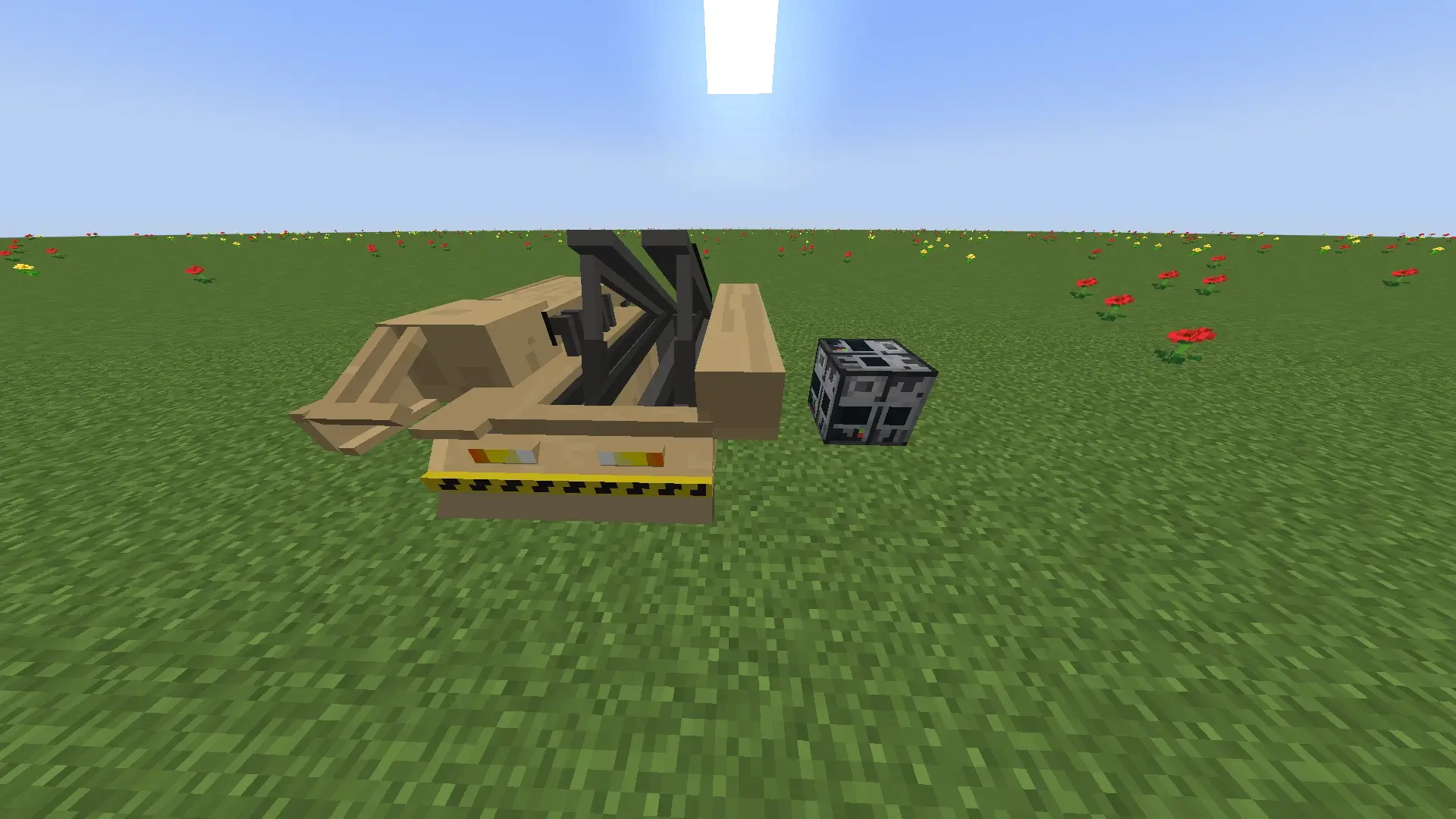
Launch Pad

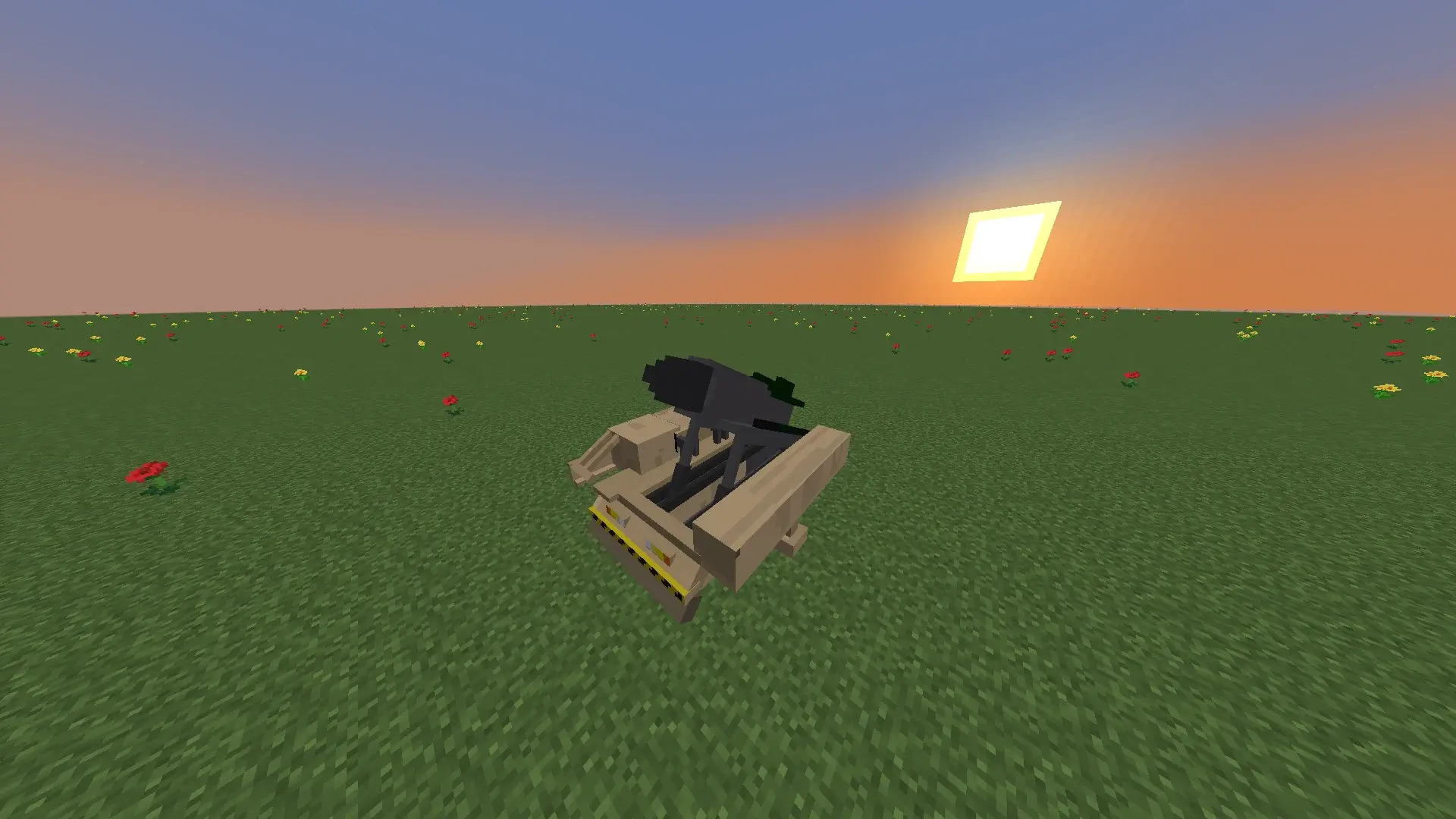
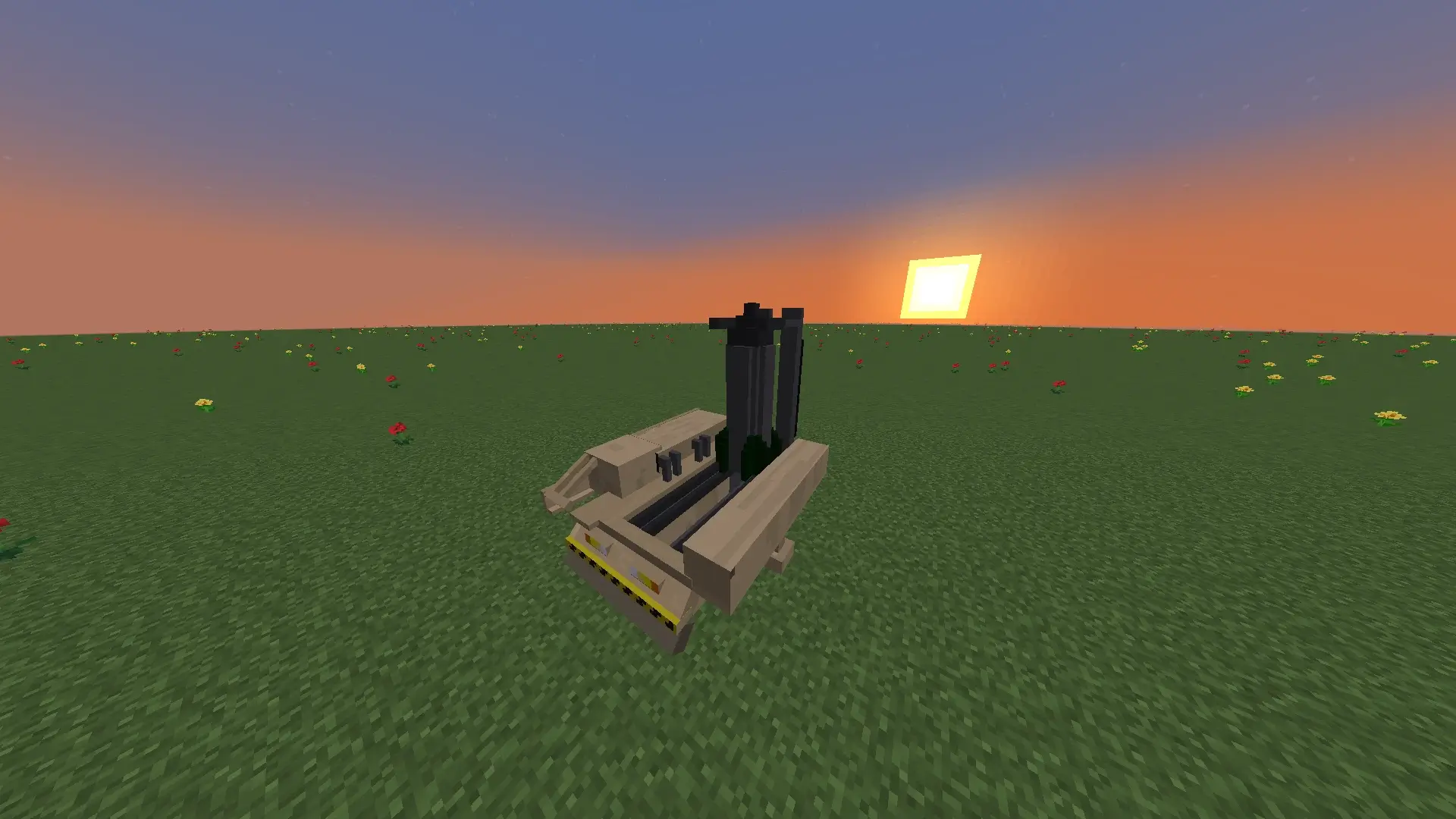
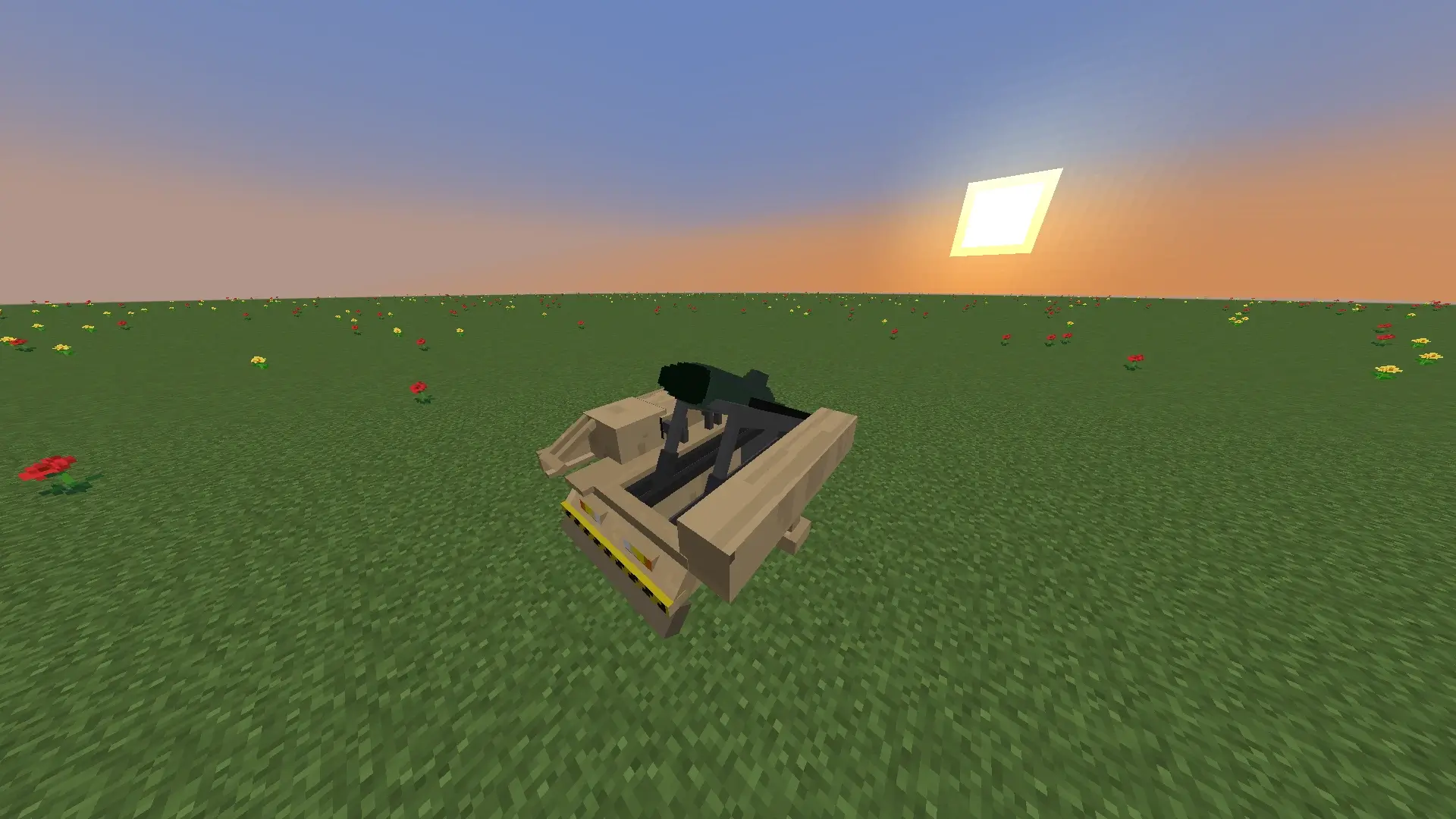
Heavy-duty 3x3 multiblock structure required to mount, stabilize, and fire ballistic missiles toward designated target coordinates.

FOOTPRINT: 3x3 MULTIBLOCK SPECS →
CONTROL // 05

Coordinate Terminal

Dedicated fire-control block equipped with an interactive screen to input exact target coordinates and initiate launch sequences.

INTERFACE: INTERACTIVE SCREEN SPECS →
DEFENSE // 06

Anti-Air System

Automated defense installation that launches Interceptor Missiles. Very effective against Standard Missiles, but struggles against the extreme descent speed of Heavy Missiles.

MODE: AUTOMATED INTERCEPTION SPECS →
// LAUNCH SEQUENCE PROTOCOL

HOW IT WORKS

Deploy coordinate-targeted strikes in four operational steps, plus optional automated airspace defense.

  1. 01
    Step 01

    Deploy the Launch Pad

    Place the animated 3D Launch Pad on a clear firing site and position a Coordinate Terminal within a 5-block radius (v5.0.0+; 3 blocks in older versions).

  2. 02
    Step 02

    Load & Elevate Rails

    Right-click the pad to load a Standard or Heavy Missile onto the rails. For Heavy Missiles, right-click with an empty hand to raise the launcher vertically (90°).

  3. 03
    Step 03

    Lock Coordinates

    Enter target X and Z coordinates in the Coordinate Terminal (or Shift + Right-Click a block using the portable Remote Control).

  4. 04
    Step 04

    Trigger Ignition

    Activate the terminal with a Redstone signal (button/lever) or Right-Click the pad with the Remote Control to launch.

Optional Defense Step // COUNTER-BATTERY

Deploy an Anti-Air System

Protect your base by setting up an automated Anti-Air System stocked with Interceptor Missiles. It automatically fires to shoot down incoming threats—offering strong protection against Standard Missiles, though it struggles against the extreme terminal descent speed of Heavy Missiles.

Read AA vs Heavy Tips →
// SYSTEM DEPLOYMENT

REQUIREMENTS & INSTALLATION

Mandatory Requirements

GAME EDITION Minecraft: Java Edition
1.20.1
MOD LOADER Minecraft Forge
FORGE 1.20.1 →
REQUIRED DEPENDENCY GeckoLib 4
GET GECKOLIB 4 →

Installation Steps

  1. 1

    Install Minecraft Forge (1.20.1)

    Ensure you have Minecraft Java Edition 1.20.1 installed along with the matching Forge mod loader profile.

  2. 2

    Download Required Files

    Download the Ballistic Missile Mod .jar file (from Modrinth or CurseForge) and the GeckoLib 4 .jar file for Forge 1.20.1.

  3. 3

    Place in Your Mods Folder

    Copy both .jar files into your .minecraft/mods directory.

  4. 4

    Launch & Play

    Start Minecraft using the Forge 1.20.1 profile and verify both mods are loaded.

// VERSION HISTORY

CHANGELOG

v5.0.0 BETA

The Audio-Visual Overhaul & New Launch Mechanics

Download on Modrinth → DATE: 2026-10-19 // MC 1.20.1 Forge
  • [NEW] Animated 3D Launch Pad: Missiles now load directly onto inclined launcher rails via Right-Click; Heavy Missiles require raising the arm to a 90° vertical position before firing.
  • [AUDIO] Sound Overhaul: Added custom launch ignition, in-flight flyby audio (up to 300 blocks), incoming warning sounds, mid-air interception blasts, and distant explosions.
  • [VFX] Next-Gen Explosions & Thermal Burn: Added dynamic shockwaves, seismic camera shake, terrain-occluded blinding flashes, custom crater carving, and scorched earth/fire effects.
  • [DEFENSE] Upgraded Anti-Air & Interceptors: Improved predictive lead-targeting (5.2 b/t speed, 5.5m proximity fuze) and 3D mid-air smoke cloud detonations.
  • [FIX] Flight & Terminal Sync: Eliminated initial launch teleporting/jitter using Forge spawn data synchronization and updated Coordinate Terminal detection to a 5-block radius.

View the complete version history and all past updates.

Full Changelog on Modrinth
// INTEL BRIEFING

FREQUENTLY ASKED QUESTIONS

// COMMUNICATIONS & SUPPORT

JOIN THE COMMAND NETWORK

Follow development updates by Shadow_Ua, download releases, report issues, or support future development of the Ballistic Missile Mod.